How to get started with piqlConnect
piqlConnect is your secure digital gateway to long-term preservation with Piql. Whether you're archiving critical records or cultural heritage, piqlConnect ensures your data is safely transferred to offline storage with full control and compliance.
1. Create Your Secure User Account
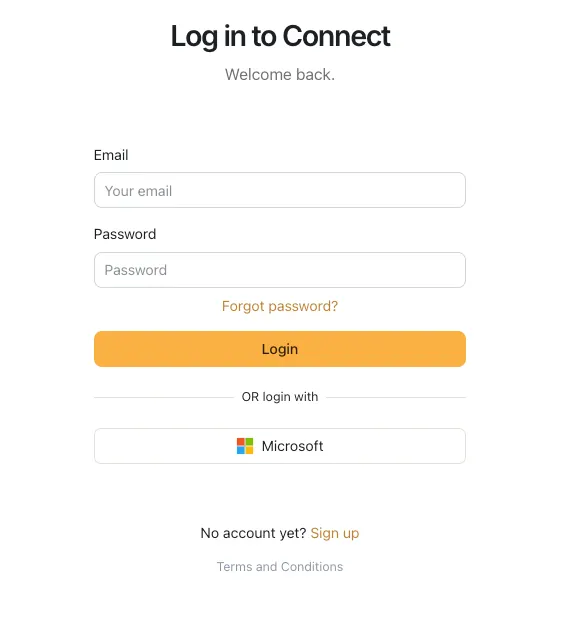
Register on piqlConnect through our secure web portal. You'll authenticate using only your email or your can use our two-factor authentication (2FA) mechanism or log in with your existing Microsoft Entra ID. This ensures a strong identity verification and safe access from the start. Once you are registered you are ready to log in with your credentials.
2. Create or Join a Team
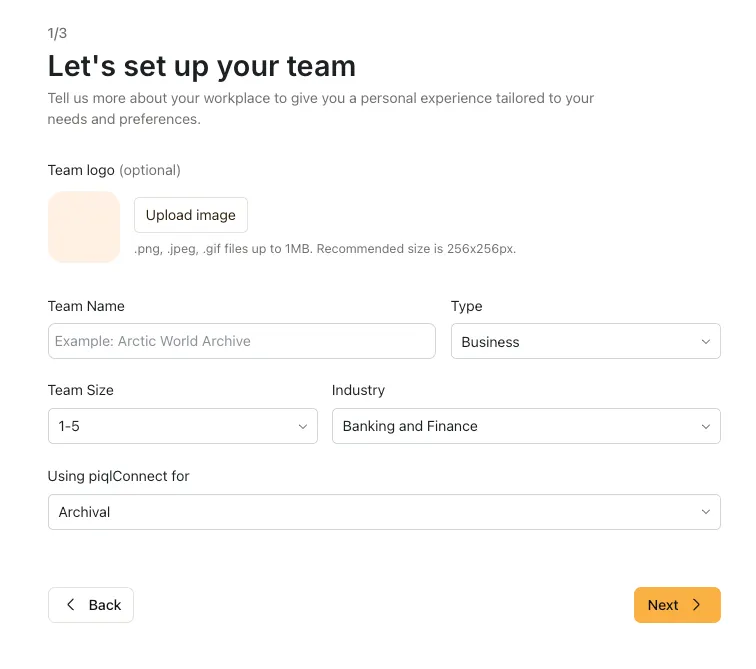
Once you have logged in, you can Create a Team. This is your separate working space where you can work separately or together with more members of your Team. You can also invite members to your team and assign different user roles for the members.
3. Upload and Organise Your Files
Once logged in, you can securely upload your data using our encrypted web interface. Choose the collection structure that suits your archive. Data is encrypted at rest, and in transit using our trusted Azure infrastructure in Norway.
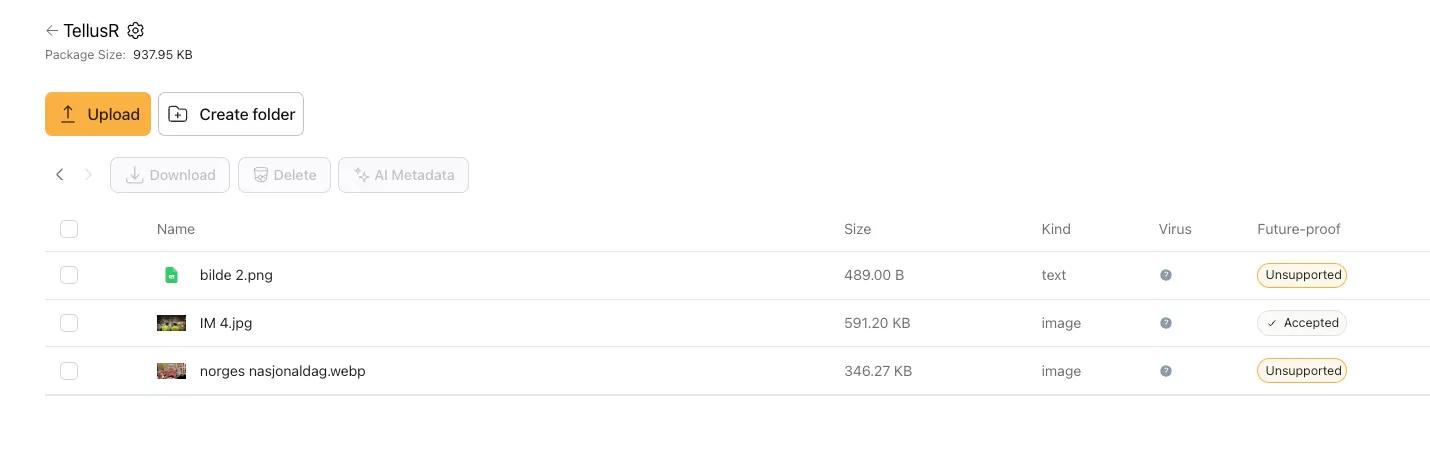
4. Add metadata or create your keywords for intelligent search
If you already have existing metadata in your records, they can easily be imported in the system together with your data. Or you can use our powerful machine learning to generate your own keywords to make your search easier and more powerful.
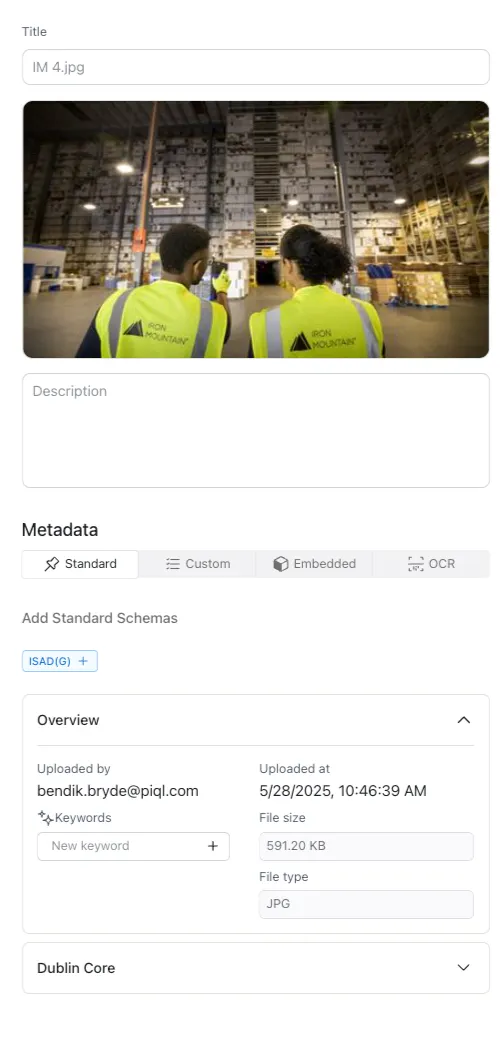
5. Submit for secure storage and transfer to piqlVault
When your files are uploaded and ready, submit it for a write-once transfer to piqlFilm for permanent offline storage. Your data can be stored in the piqlVault — a secure, climate-controlled facility co-managed with Iron Mountain Norway. You’ll receive a verification summary and can retrieve the data at any time. You can also choose to keep the piqlFilm yourself. Or you can order a copy of your data to be stored in the Frozen cloud, a cost-effective option for data with a shorter life span.
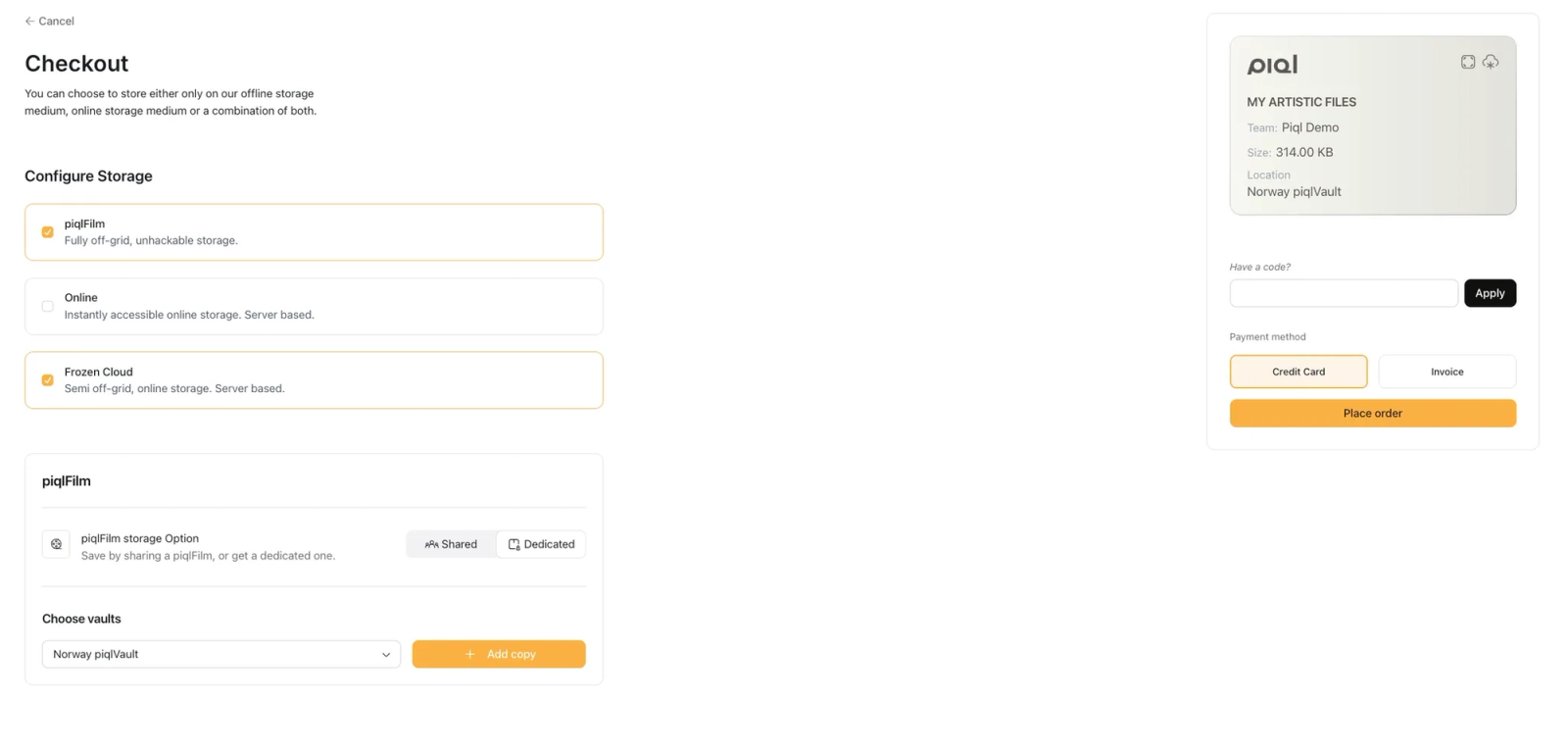
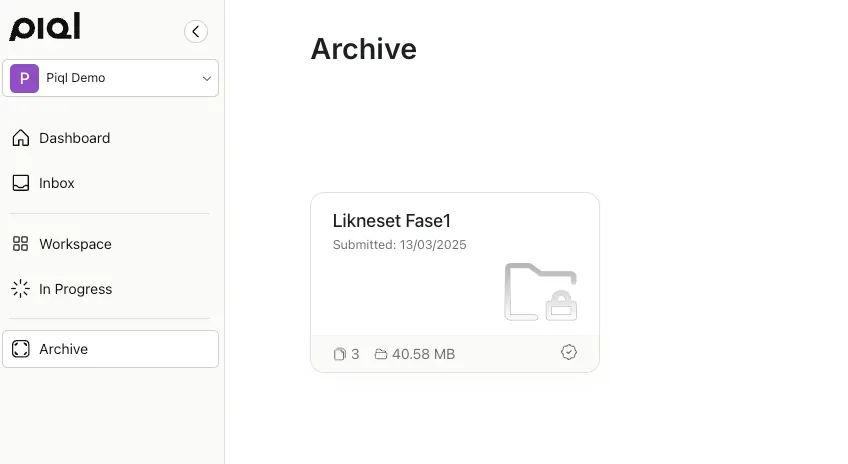
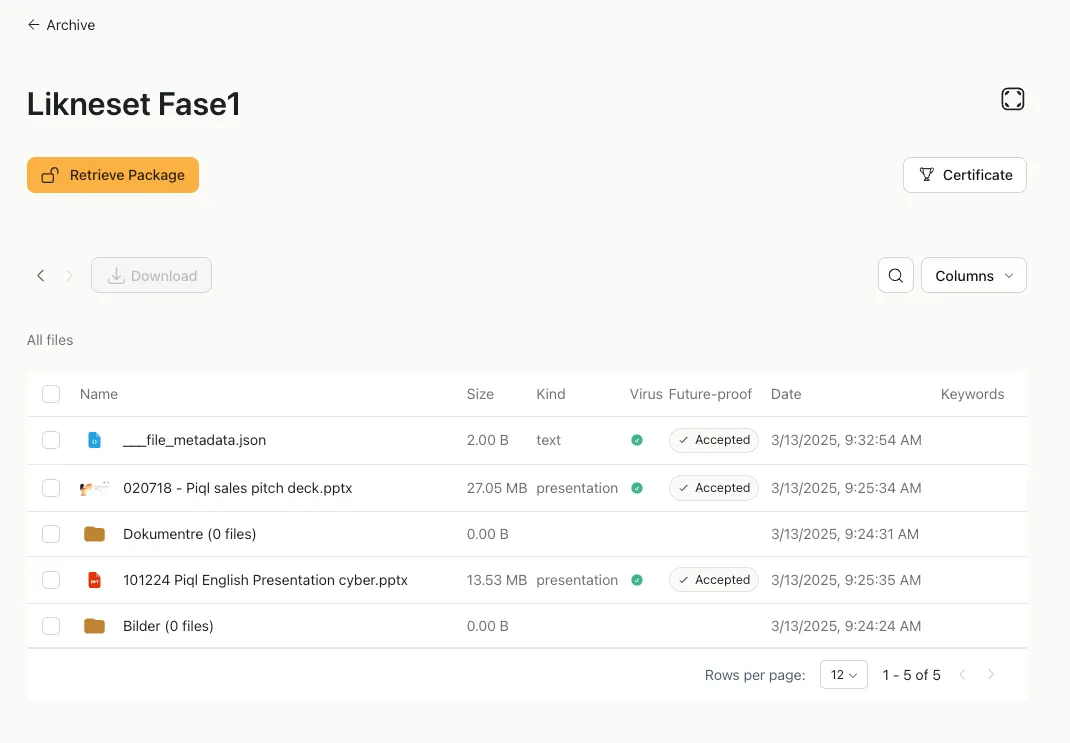
6. Retrieve your data from the Archive when needed
In the Archive section all your data is locked and provide a secure immutable copy of your data. You can retrieve the data from piqlFilm and the Frozen Cloud and the system will notify you once the data are ready for download. You can also inspect the Certificate for your data that was issued upon submission for complete transparency and data authenticity.